Jet charter website inspiration: six sites, and what to borrow from each.
Five sites compared on desktop and mobile: a charter and management company, a broker, a membership brand, and two fractional programs. Airside's own Trinity Jet project is shown through project images. Here is what each does well for its buyer, and where it stops fitting a charter operator.
A charter homepage can look impressive and still leave a buyer unsure who operates the flight, which aircraft fits the trip, or how to ask for a quote. Keep that test in mind when you look at other companies' sites.
These six come from different businesses. Start with the ones closest to yours. From the others, take the one decision that would help your buyer and leave what was built for a different business.
Trinity Jet: make the fleet easy to compare
Trinity Jet offers charter and aircraft management, and it is Airside's own project. The fleet and aircraft screens shown here come from the project files. They are not a record of every page on the live site today.
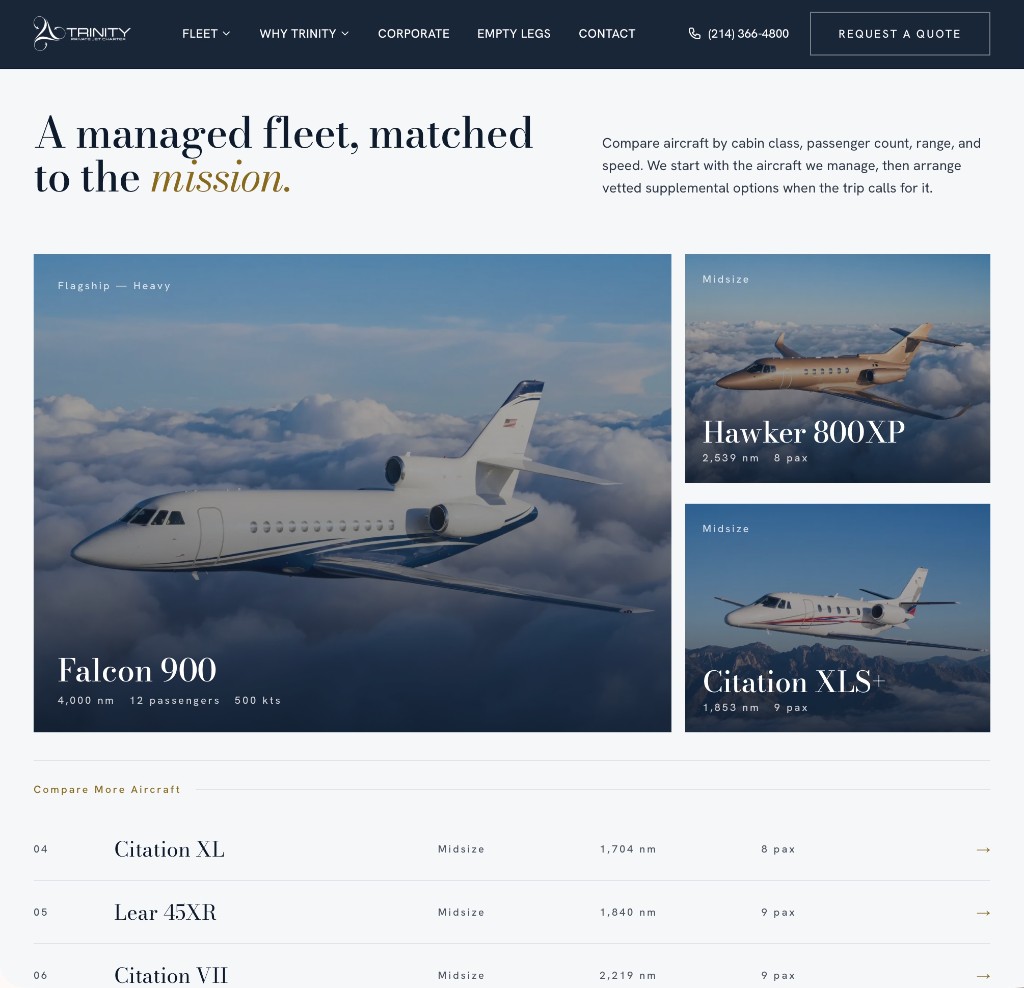
The fleet layout gives the Falcon 900 the largest frame and places the midsize aircraft beside it. Each card carries the aircraft name, passenger count, and a representative range. A simpler comparison list sits below, so a visitor can scan the fleet without opening every aircraft.
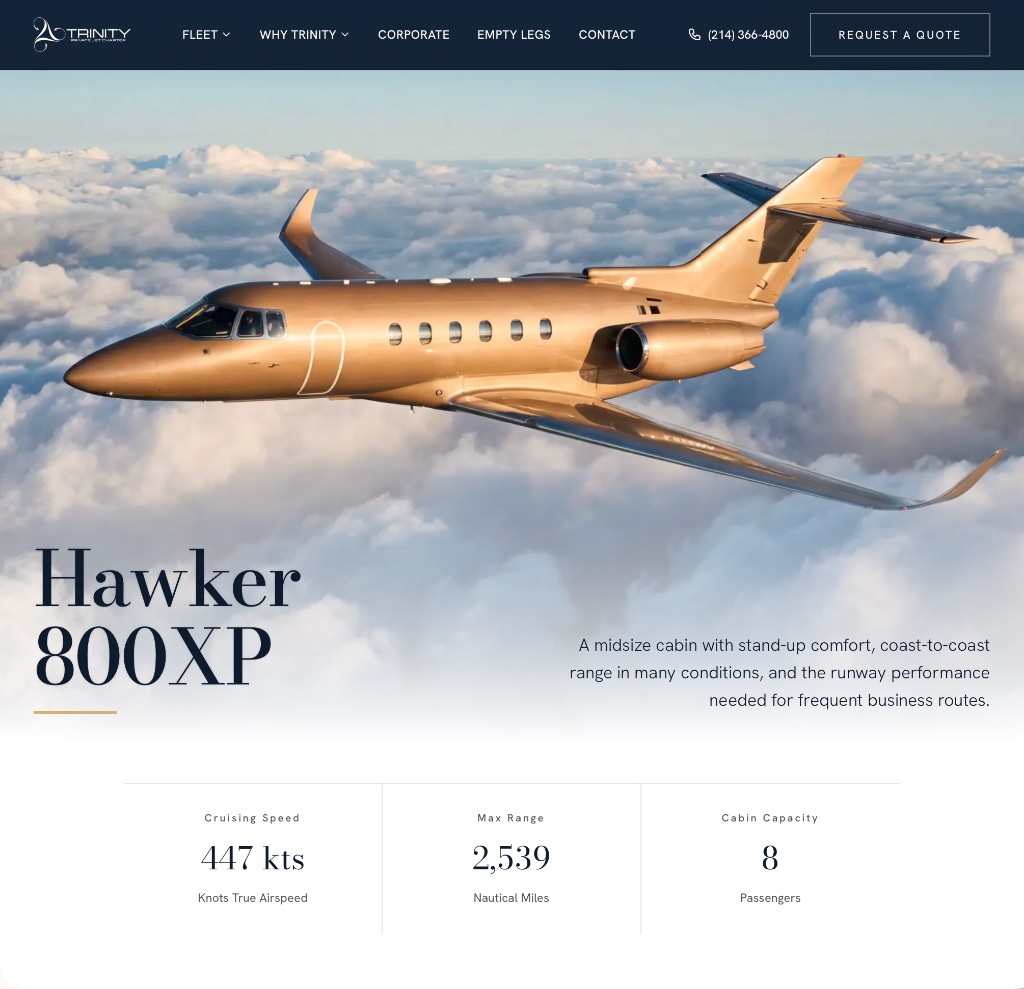
The Hawker page does a different job. One aircraft image leads, followed by speed, range, and passenger capacity. The photograph shows which aircraft this is. The text carries what a photograph cannot show reliably.
Before anyone designs a card, agree on the comparison fields and use the same ones for every aircraft. Then make each aircraft page answer the cabin, baggage, and trip-fit questions before someone calls.
Two things to watch. A larger card can suggest a preferred aircraft, so use that emphasis on purpose. Range figures need stated conditions and an operations review. They are not a promise that a requested route will be flown nonstop.
Sources: Trinity Jet live website
Related: Airside's Trinity Jet project
Reliance Jets: answer the aircraft questions, then offer the quote
Reliance Jets offers charter and aircraft management. Fleet, empty legs, and quote requests each have their own place in the navigation. The homepage splits charter from management, so a passenger and an aircraft owner start in different places.
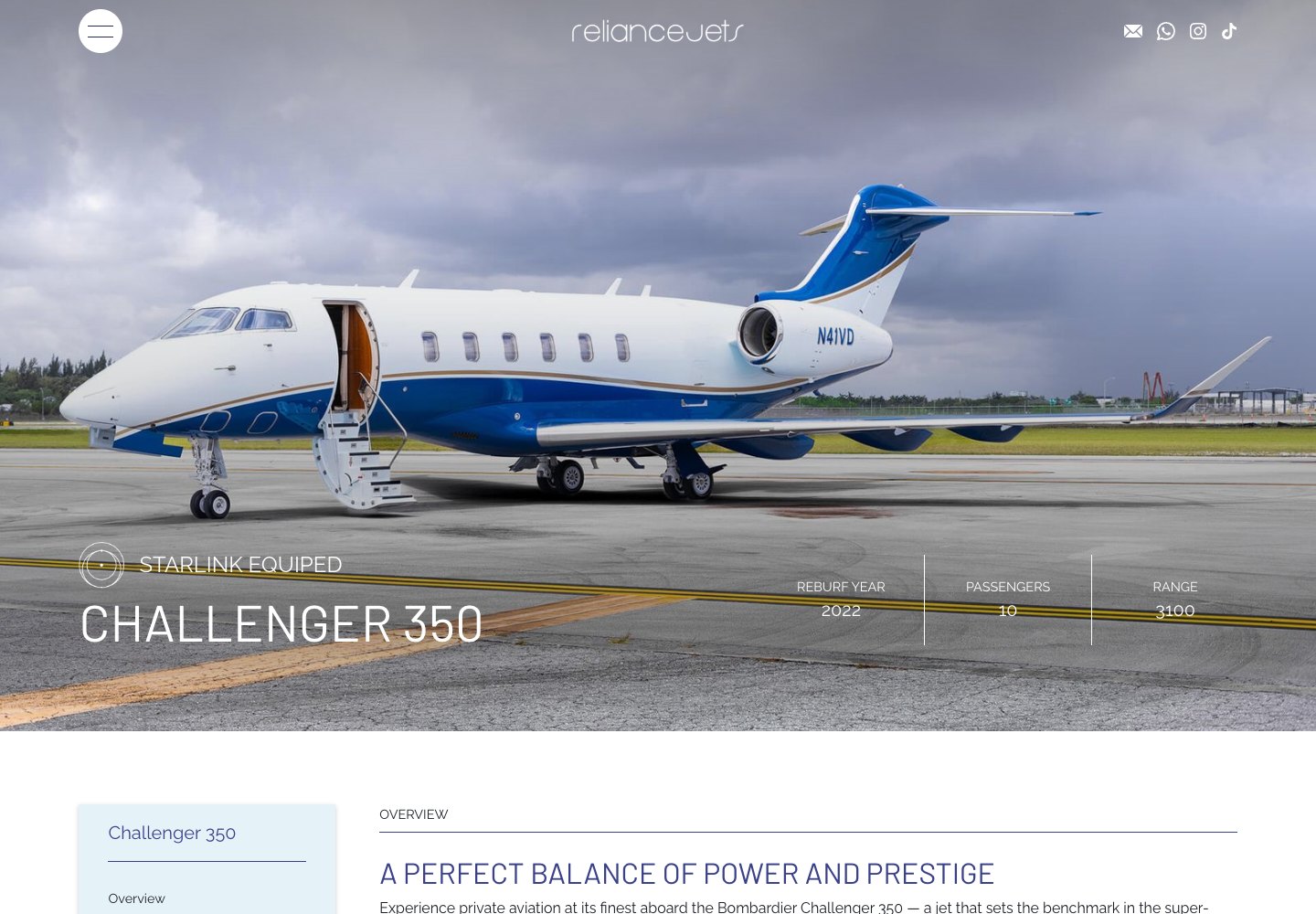
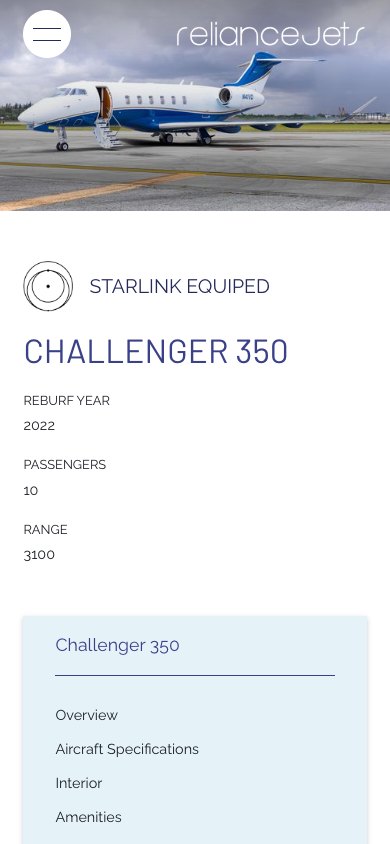
The Challenger 350 page is the part to study. Specifications, interior, amenities, performance, and safety each get a named section. Cabin dimensions and baggage information sit beside the photography. A quote link follows the aircraft material.
Take the order. The photographs show the space. Seating, baggage, and configuration tell the buyer whether it works for the trip. Then the quote request is right there.
One caution. On the page reviewed October 7, 2026, some specifications repeated, some figures had no units, and the altitude in the specifications differed from the altitude in the text. A broker who sees two figures does not know which to quote. Keep one approved set of aircraft facts and use it on cards, aircraft pages, and sales documents.
Sources: Reliance Jets homepageReliance Challenger 350 aircraft page
VistaJet: separate the trip from the relationship
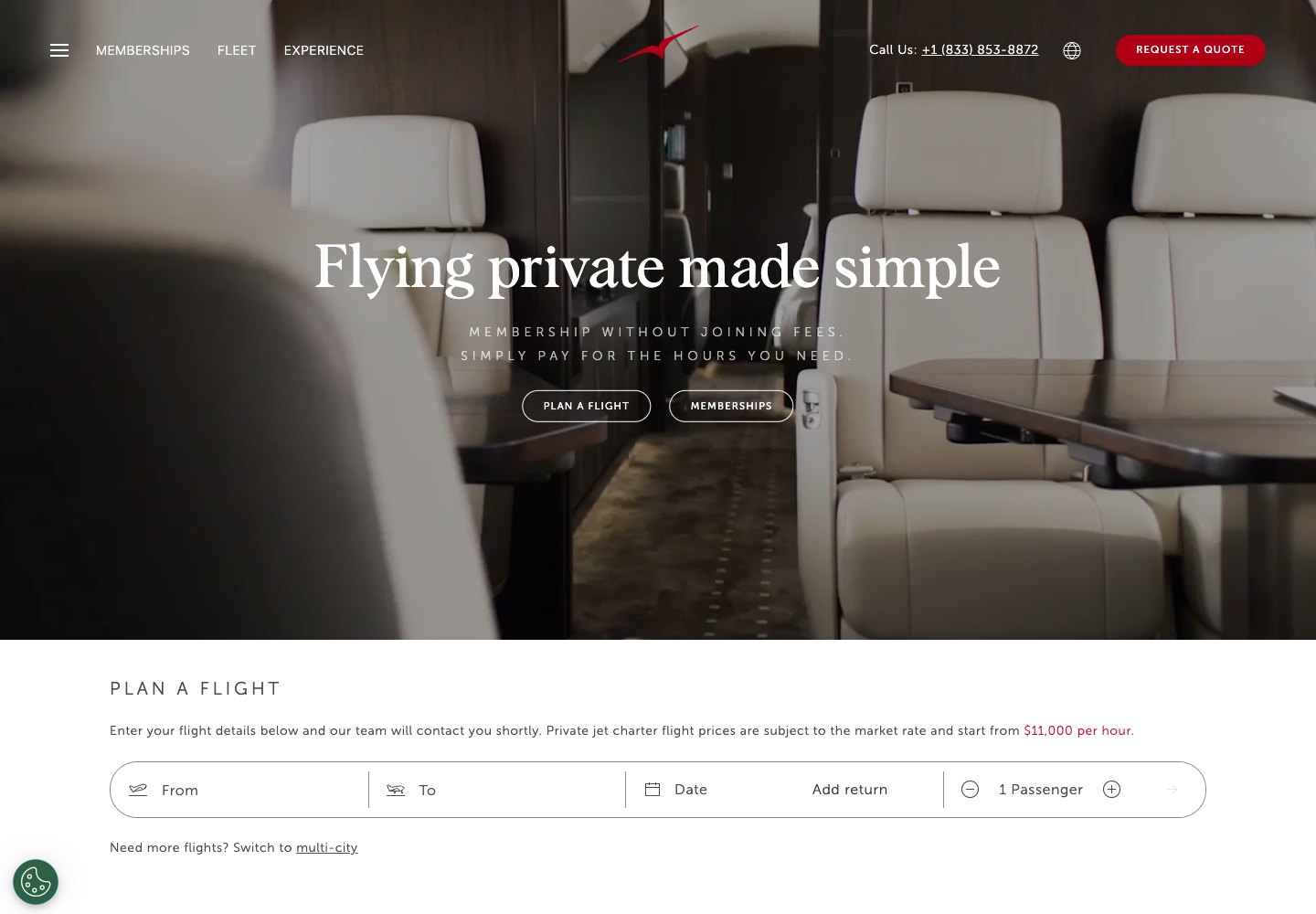
VistaJet is a global membership and charter brand. The US page reviewed here identifies VistaJet US as an air charter broker that arranges flights through carrier partners. The fleet branding alone does not tell a buyer who operates a flight.
The homepage offers two paths: plan a flight or explore memberships. Named membership options describe different recurring travel needs. Fleet and experience material support the longer relationship.
Borrow the split. A charter passenger, an aircraft owner considering management, and a broker checking availability each need a clear way in and a line about what happens next.
Leave most of the rest. A membership brand can justify more program and hospitality content than a small operator needs. Keep your fleet, operating region, and inquiry path prominent, and skip the global navigation.

NetJets: help the buyer understand the offer
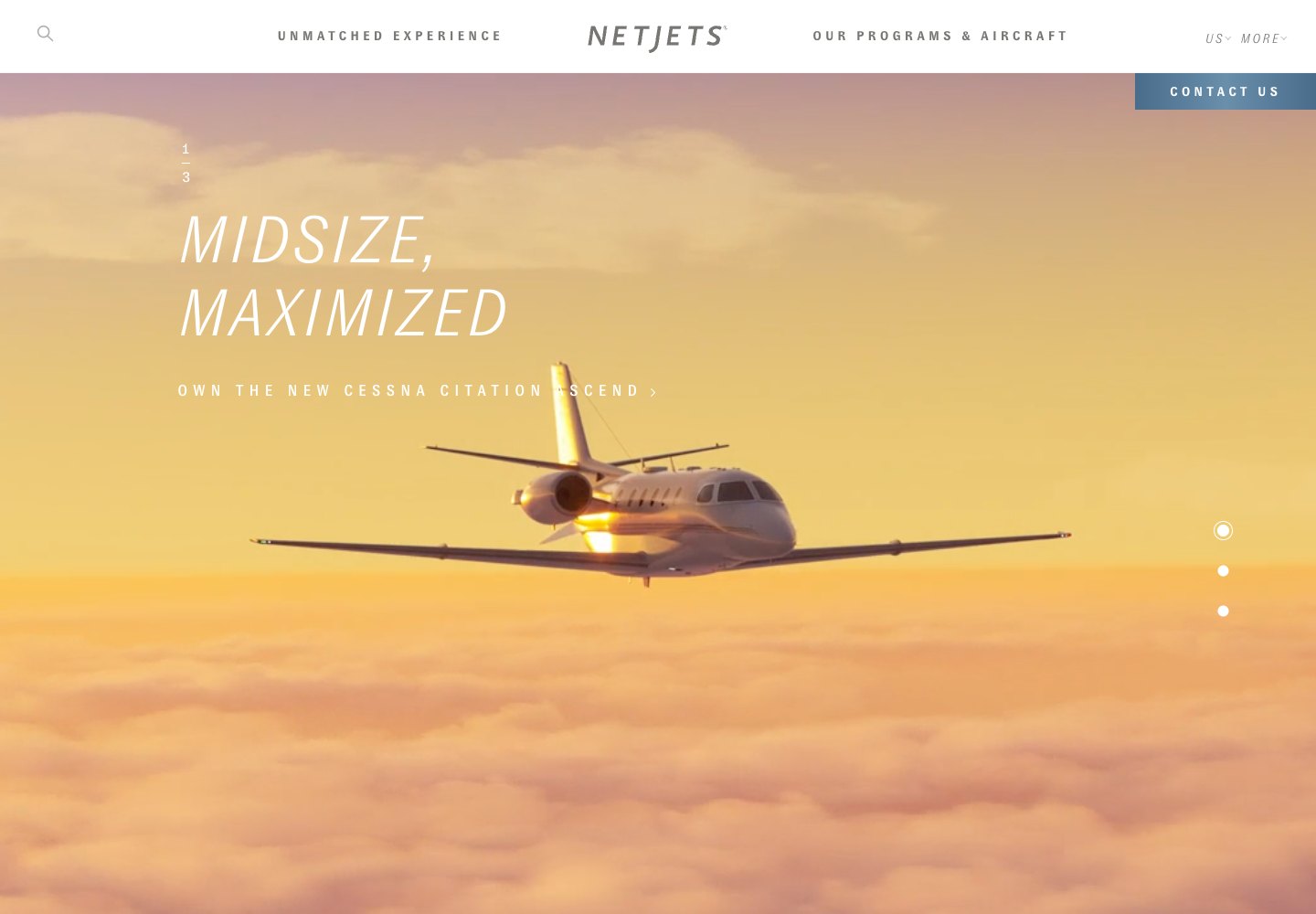
NetJets offers fractional ownership and card programs. A NetJets buyer is deciding how to fly over the long term, which is a different decision from booking one charter trip.
The US homepage connects aircraft content, safety material, and program comparison. The navigation includes shares, cards, and pricing education. The information request asks for contact and residence details, with an optional comment. It does not lead with a route and a departure time.
Match your contact path to the decision the visitor is making. An aircraft owner considering management may need a consultation. A charter passenger needs to describe a trip. Label each path so the visitor knows which conversation is starting.
A consultation form will not qualify a charter request. If your team needs dates, airports, and a passenger count to send a useful reply, ask for them on the charter form.
Sources: NetJets US homepage
Air Charter Service: begin with the trip
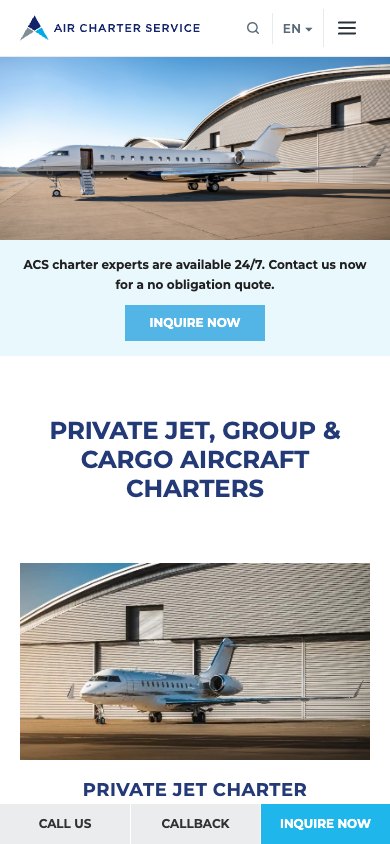
Air Charter Service is a charter broker for private, group, and cargo flights. It states that it is not an aircraft operator and does not hold operational control.
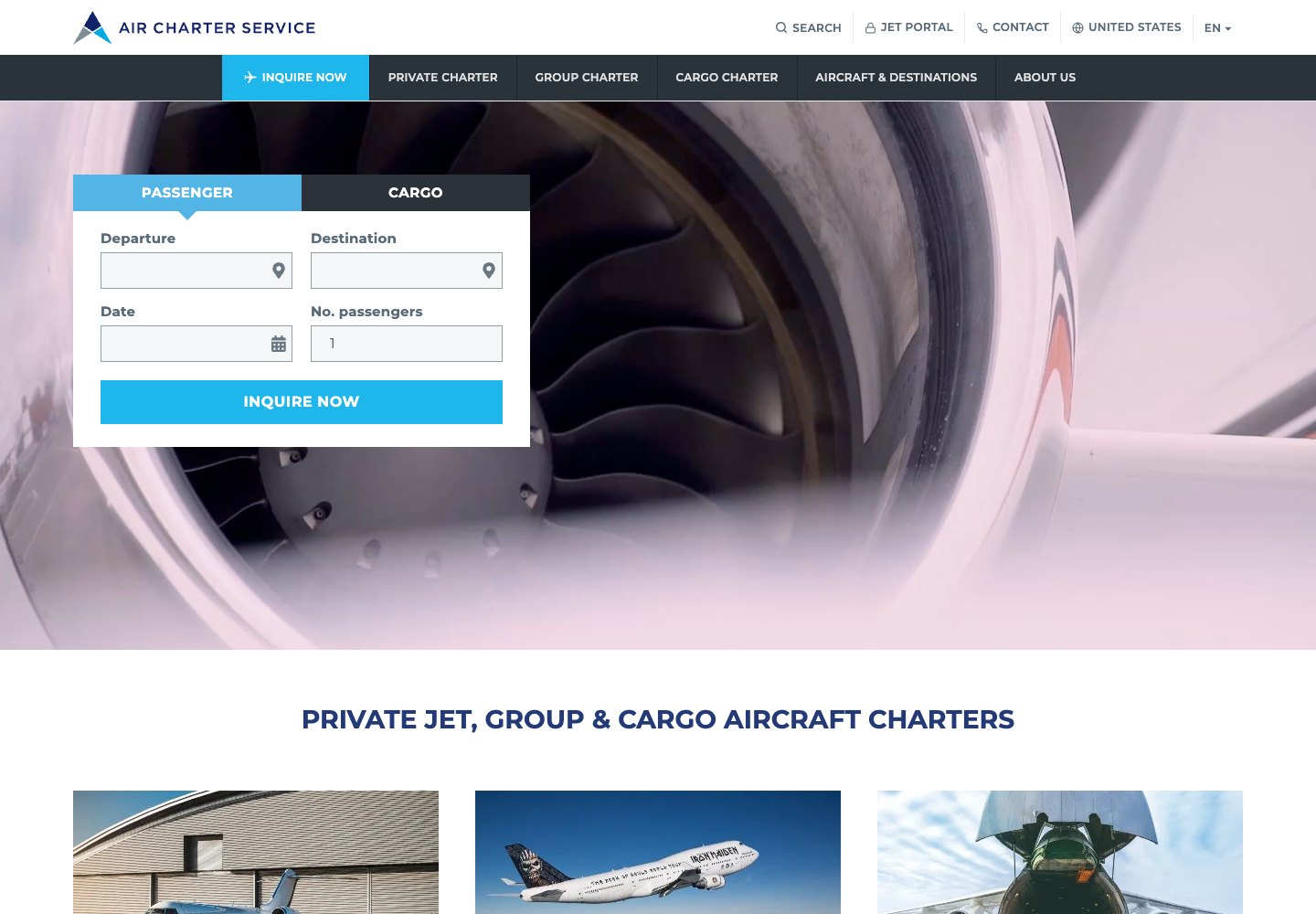
The homepage reviewed separates passenger and cargo inquiries. The passenger fields ask for departure, destination, date, and passenger count. Service blocks then distinguish private jets, group aircraft, and cargo. Aircraft guides and an explanation of the charter process help visitors who need more context.
Ask in the language of the trip. Your team can start a quote from a route, a date, and a passenger count. A blank message box gives them less to work with. If different teams need different details, separate the inquiry types.
A global broker's service menu is wider than most operators need. Copy the clear trip fields, and keep your navigation to the services you actually provide.
Sources: Air Charter Service homepage and operating disclosure
Flexjet: give the cabin its own explanation
Flexjet offers fractional ownership, leases, and jet cards. Its homepage introduces the experience and an inquiry route. The aircraft pages have more to teach a charter operator about presenting a cabin.
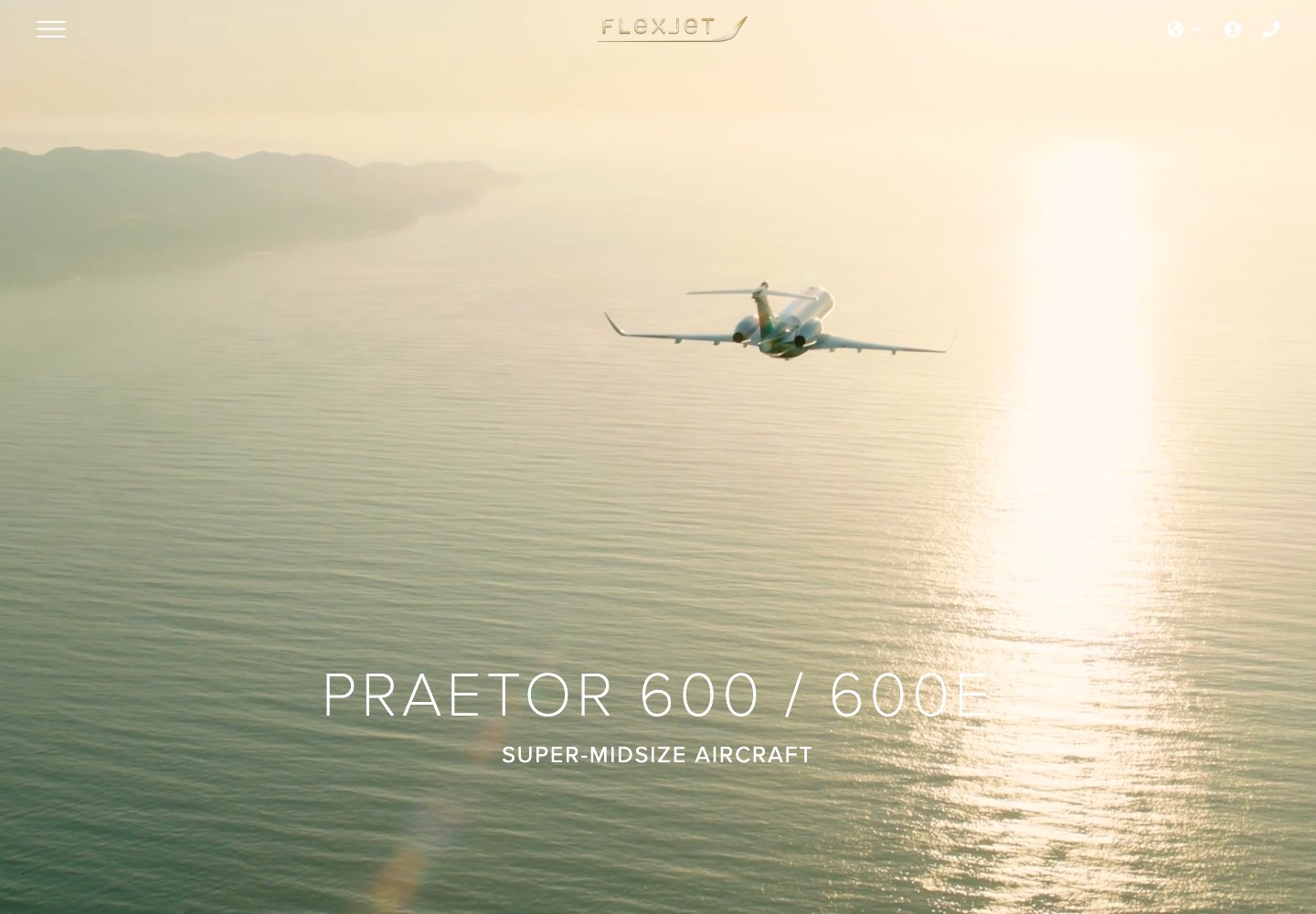
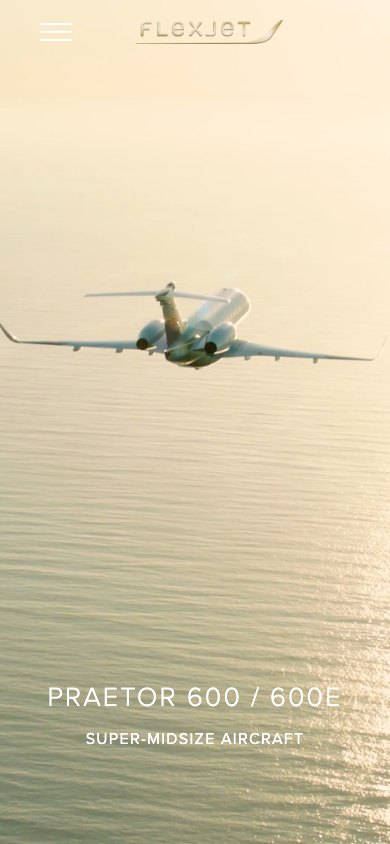
The Praetor 600 / 600E page puts capacity, baggage, range, speed, and altitude in named fields. Cabin images, a configuration diagram, and amenity lists add context. Equipment specific to the 600E is kept apart from the wider aircraft family.
For your own aircraft pages, show the cabin overview, the configuration, and the practical details together, and put the range conditions beside the figures. Flexjet's route calculator carries an operating-conditions warning. Airside did not verify its results.
A program page may show a representative aircraft, and the exact tail a charter passenger receives can differ from it. Keep each aircraft's layout and amenities current and separate. Get the aircraft record right first, then add the media.
Sources: Flexjet US homepageFlexjet programs and site structureFlexjet Praetor 600 / 600E aircraft page
Choose a direction that fits your operation
If you are an owner-led operator, start with the fleet and where you operate. The first screen should say who you are, name your base or region, and give one clear next step. Let the aircraft pages handle the detailed questions.
A broker's site starts with the trip and explains how aircraft are sourced. A management page explains the relationship and invites an owner conversation. A recurring access program helps the visitor compare commitments. Each of those pages has a different job, even when the photography looks similar.
Choose photography by the question it answers. Exterior images establish aircraft identity. Wide cabin views show scale and seating. Configuration diagrams help explain arrangements that perspective cannot show. Detail images support amenities, but should follow the views needed to understand the aircraft.
Choose the navigation before the visual effects. Fleet, charter, safety or operations, management when offered, and contact are a workable starting point. Keep each label tied to a real destination. Add more only when the content supports a separate visitor need.
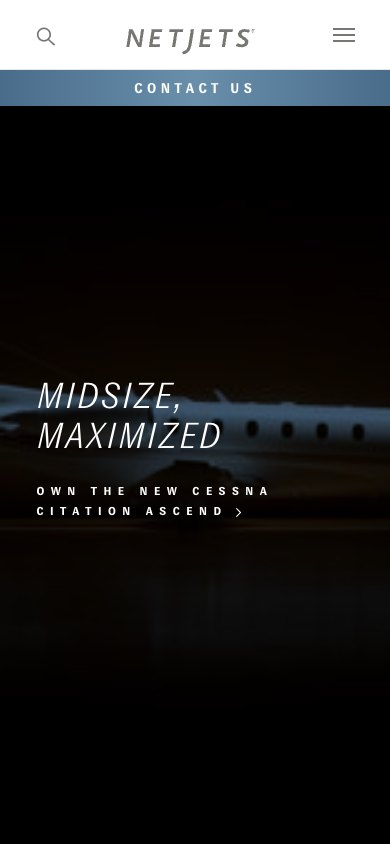
The mobile screenshots show what stays visible when space is limited. In your own review, open the menu, an aircraft page, and the inquiry path on a phone. A desktop screenshot will not tell you whether those steps work.
A short checklist before you borrow a design
Can a visitor tell whether you operate, broker, manage, or offer membership access? State the actual relationship. Keep certificate-holder and operating information accurate and easy to find.
Can someone compare cabin class, practical passenger capacity, baggage, and configuration across your aircraft? Use the same labels and units on every page. Keep representative figures apart from what you confirm for a specific trip.
Do the exterior and cabin photos match the aircraft being discussed? Take down old interiors and aircraft that are no longer available. If a photo shows a similar aircraft or is a composite, say so.
Can someone on a phone give enough trip detail and reach the right team? Check the labels, keyboard access, error messages, and confirmation. Then send a test inquiry and see who receives it.
Who approves aircraft facts, safety claims, photography, and what you say about response times? Name one person for each. Update the site when an aircraft arrives, is refurbished, changes base, or is no longer available.
How will you judge the site? Count useful conversations and qualified inquiries. Page views and gallery engagement can show interest, but they do not show that the website brought the right buyer to your team.
Related: Contact pages that qualify better leadsSafety pages that build trust
Bring the examples. Start with the aircraft.
You do not need a finished brief. Note the two or three decisions from this guide that would help your passengers, brokers, or aircraft owners. Bring them with your fleet list and your current website.
Airside builds private aviation websites around current aircraft presentation, a clear operating identity, and inquiries your team can use. The private aviation websites page describes that work if you want to read more first.
The next step is a conversation. Talk through your charter website with Airside, and Airside will help you decide what belongs in a refresh and what needs a rebuild.
Related: Private aviation websitesTalk through your charter website